
Design for Manufacturing
Manufacture Your Path
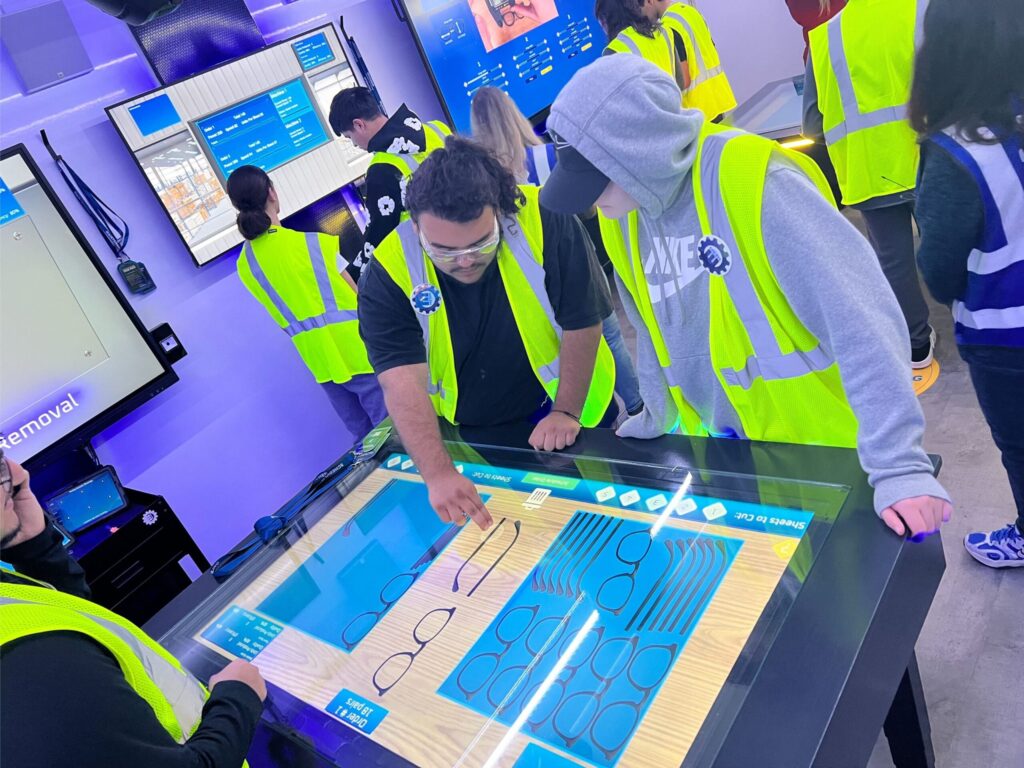
Design for Manufacturing is an activity developed by Learning Undefeated to help students understand the work of design engineers including product design and testing.
In this activity, students will be challenged with designing a custom part for a new product. Students will need to choose the correct tools to gather precise measurements as well as draw the needed part with labels for part lengths and angle connections. Once students have completed their design, they will be challenged to rapid prototype with the use of a 3D pen. To model prototyping with a 3D printer, students will develop the g-code for the pen handler to interpret and follow to create the design. Once created students can test to see if their part fit well and redesign to get tighter tolerances.
Learning Objectives
Students will be able to
- Measure a provided part for lengths and angle dimensions.
- Select a schematic of the part needed with accompanying measurements and tolerances.
- Use a 3D pen to rapid prototype and edit designs for fit and function.
Standards Alignments + Connections
Texas Essential Knowledge and Skills
Principles of Manufacturing
PRINMAN.1.C: Use a variety of measuring instruments
PRINMAN.2.C: Apply mathematics concepts to solve manufacturing problems
PRINMAN.2.E: Use the appropriate units of measure
PRINMAN.7.A: Investigate an area of interest in manufacturing
PRINMAN.7.B: Analyze the various specializations in manufacturing
Diversified Manufacturing I
DIMANU1.2.A: Use tools and equipment commonly employed in manufacturing in a safe manner
DIMANU1.3.B: Experiment with new technologies
Diversified Manufacturing II
DIMANU2.3.A: Develop a CNC program using a computer-aided manufacturing (CAM) program
Manufacturing Engineering Technology I
MANENGT1.1.C: Fabricate a prototype design of a mechanical part
Activity Components
Pre-Laboratory Engagement
Students should be familiar with measuring acute angles with a protractor. The link below has multiple levels of difficulty and allows for practice if physical protractors aren’t available.
We recommend using the following resource to review this topic: Measuring Angles.
Activity
Download Student Handout (above)
In this activity, students will have the opportunity to see rapid prototyping within one class period. They will do this using a 3D pen. With this activity, conversations about engineering careers and design for manufacturing can be discussed.
Design for Manufacturing (DFM) makes you sustainable as a manufacturer. It strengthens your ability to save money, improve quality, and increase speed. DFM is a valuable approach to product development. DFM optimizes the design of a product to make it easier and more cost-effective to manufacture. It should begin during the early conceptual design stage of product development. And it should continue through detailed engineering. By implementing DFM, manufacturers can save significant costs.
The 3 Goals of DFM
- 1) Streamline and simplify the manufacturing process
- 2) Reduce manufacturing and assembly costs
- 3) Maintain or improve product quality
Post-Laboratory Extension
Students can explore 3D modeling with Tinkercad and if a 3D printer is available, print their own designs!
The following resource provides a detailed workshop to introduce students to Tinkercad and its tools: 3D Design & Print with TinkerCad.
The following resource provides an overview of the TinkerCad Sketch Tool, which can be used to create a 3D model of the part designed in the main activity: Tinkercad Sketch Tool.
Additional Resources
Design for Manufacturing: A Complete Guide
This article review DFM principles, outlining the timeline and benefits, as well as examples of DFM in different manufacturing industries.
Your Ultimate Guide to Design for Manufacturing (DFM)
This article shares expertise on DFM best practices, common pitfalls to avoid, and how to leverage DFM principles to create better products more efficiently.
This article reviews the most common commands used in g-code, the program used to control CNC machinery.
Keep Going! Your Students May Also Enjoy...

The Next Generation of Innovators

Medtronic Spark Explore Mobile Experience